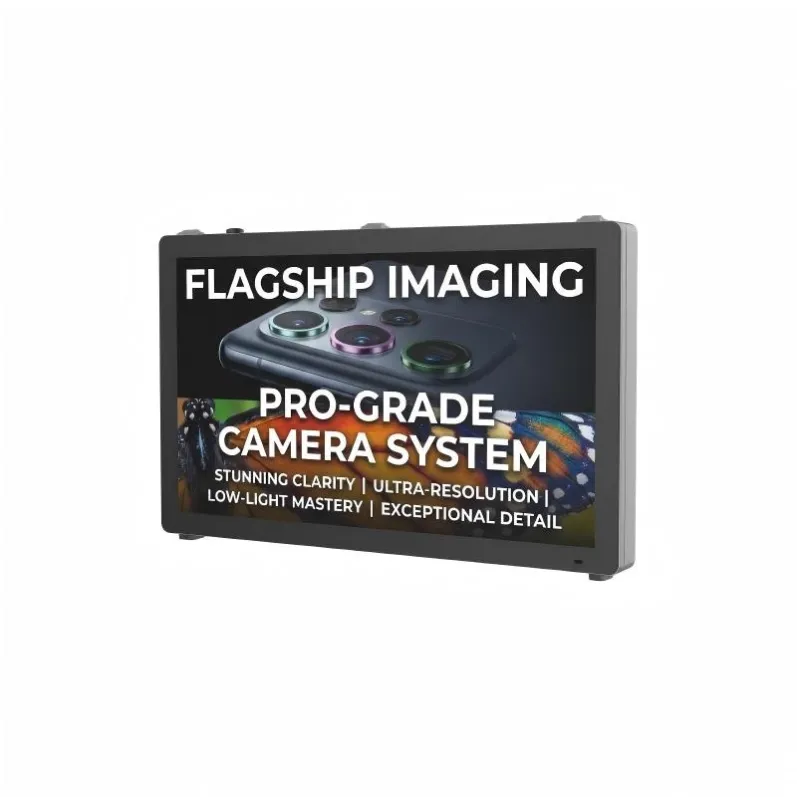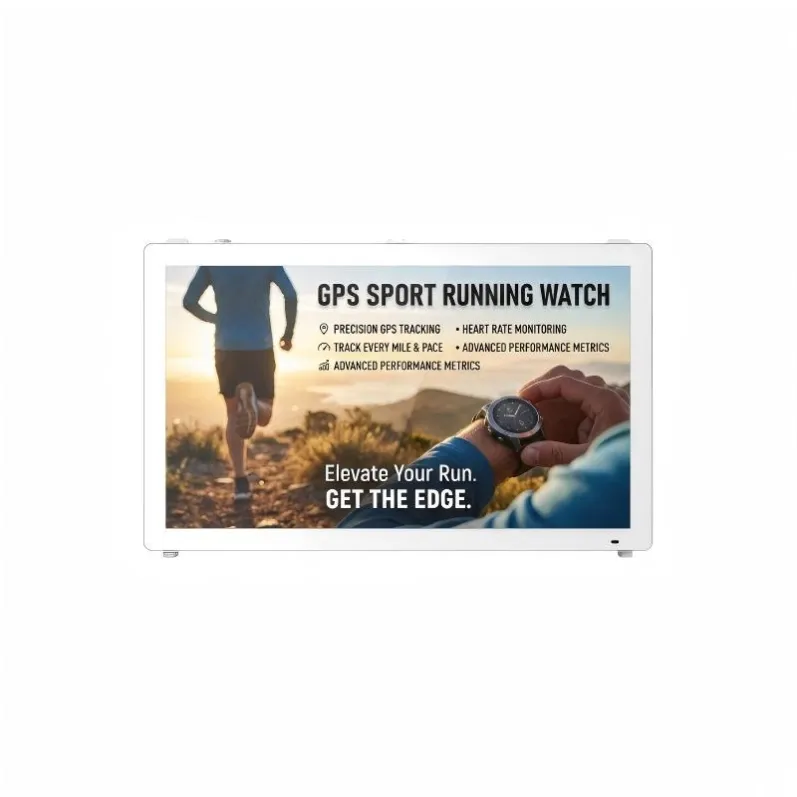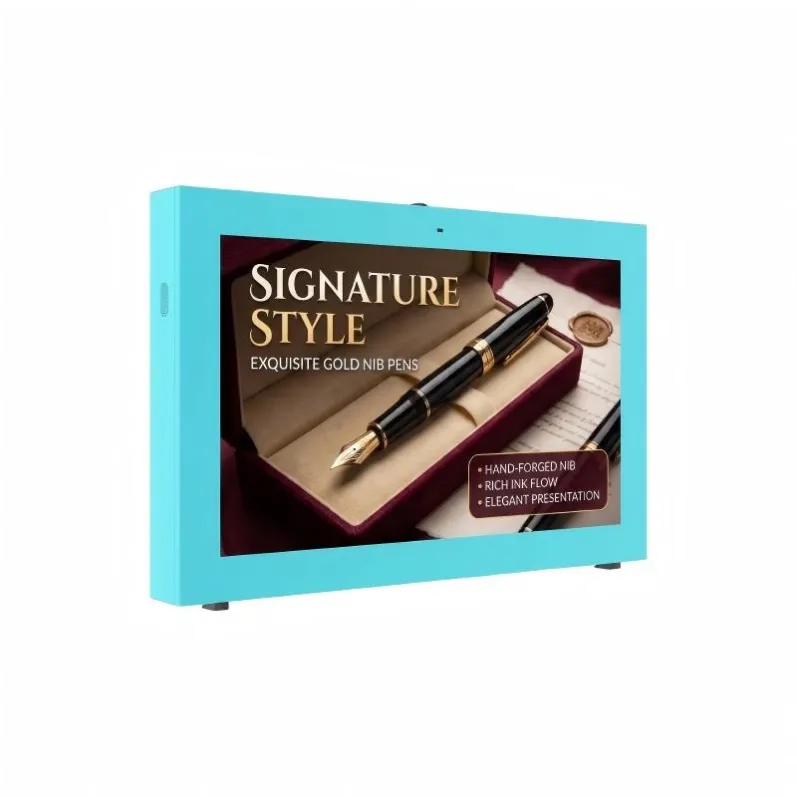


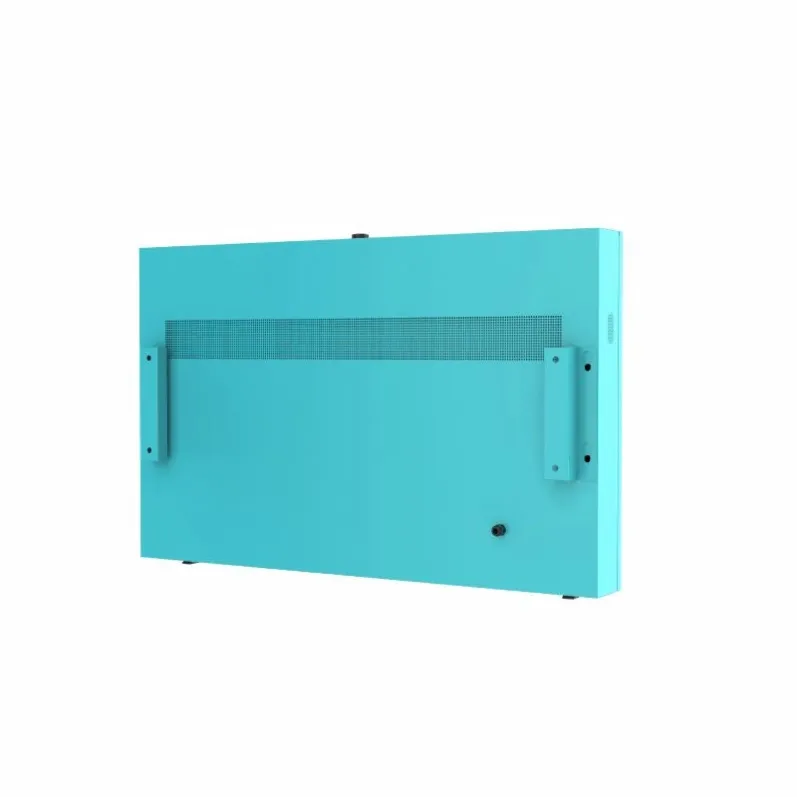
Built-in Fan Version
65 Inch 2500 Nits IP65 Weatherproof Digital Signage Wall Mounted Fan Cooling for Public Information
Touch screen:Mesh metal touch/G+G cap touch Surface:Spraying,frosted aluminum Control method:IR controller, Android Windows OS Sensors:Light sensor,temperature sensor
Specifications
- Model
- ZXTLCD-OUTFHW650SB
65 Inch 2500 Nits IP65 Weatherproof Digital Signage Wall Mounted Fan Cooling for Public Information
65 Inch Wall Mounted Weatherproof Digital Signage with Optional Touch
A public-information project usually begins with a location problem rather than a screen specification. The installation may need to serve pedestrians without occupying pavement space, remain readable in daylight and allow staff to publish urgent information without visiting the site. This 65 Inch Wall Mounted Weatherproof Digital Signage addresses those requirements through a large wall-mounted display, 2500-nit brightness, IP65 protection and fan cooling.
Metal-mesh and G+G capacitive touch are available. Control options include infrared operation and Android or Windows systems. A light sensor and temperature sensor can support brightness and thermal management.
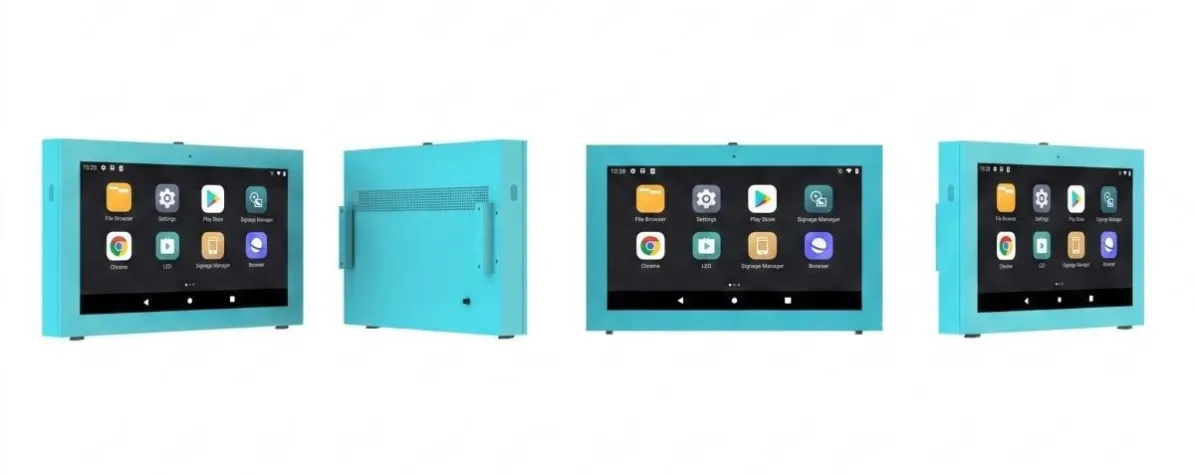
65 Inch Outdoor horizontal wall-mounted display Built-in Fan for Ventilation | ||
|---|---|---|
The containment structure | The material and feature of shell | IP65 waterproof enclosure, 1.5mm zinc coated steel, waterproof and anti-dust design. |
Glass feature | with 6mm Tempered explosion-proof Glass above the screen panel | |
Panel Spec | Backlight type | DLED |
Display size(mm) | 1429*804 | |
Display ratio | 16:9 | |
Resolution | 3840*2160 | |
Brightness | 2000-2500cd/㎡ | |
Contrast Ratio | 3500:1 | |
View angle | 178°(H)/178°(V) | |
Response time | 6ms | |
Lifespan | 50000H | |
Touch Overlay for Interactivity(Optional) | Touch style | Projected Capacitive Touch screen |
Touch points | 10 points | |
Ambient light sensor | auto dimming, with light sensor, automatically adjust the brightness. | |
Built-in Android Media Player PCB Board Configuration | Processor Chip | RK3576, six core |
RAM | 4GB | |
Flash Memory Card | 32GB | |
Wifi and 4G | Yes | |
Version | Android 14.0 | |
Built-in PC Board Configuration(Optional) | CPU | Intel Core i5 Processor |
RAM | 8GB DDR4 | |
Storage | 128GB SSD | |
Operating System | Windows 10 / Windows 11 | |
Graphics | Integrated Intel UHD Graphics | |
Network | LAN + WiFi Wireless Network | |
Media Format | Video format | wmv, avi, flv, rm, rmvb, mpeg, ts, mp4 etc. |
Audio format | MP3, WMA | |
Photo format | BMP, JPEG, PNG, GIF etx | |
Onboard interface | Network port | RJ45, 10M/100M Adaptive Ethernet |
HDMI | 1 | |
USB | 2 | |
Camera | Built-in 5 Megapixel Camera with 1920X1080 Resolution | |
Speakers | Dual side speakers for Audio | |
ECU | Switch power supply | Industrial Power supply |
Waterproof speaker | High quality waterproof 10W speaker | |
Thunder Preventer | The tree-level lightning protection | |
Leakage protective device | Defend Electricity Leakage | |
Timer | Set up on/off time on day/week/month | |
Outdoor OMC system(optional) | inlcudes 10 kinds sensors (light sensor, door openning sensor, humidity sensor, temperature sensor, vibration sensor, safety monitoring sensor, ponding sensor, smog sensor, collision sensor,tilt sensor). | |
Problem and staus monitoring software included. | ||
Touble shooting by software included. | ||
Use softwae Remote Check key working performance by Group | ||
Unnormal work alarm generation | ||
Built-in Fan for Ventilation | Intelligent Straight ventilation Cooling system | Intelligent cooling system, unique design of air duct and main board, automatic adjust wind speed |
Intelligent temperature sensing system, Once high temperature arises, the display shutdown automatically | ||
Environment | Working temperature | 0℃~+50℃(Optional heater installed up to -20℃~+50℃) |
Working humidity | 10%~90% | |
Working Voltage | AC110-240V,50/60Hz | |
Max Power Consumption | ≤700W | |
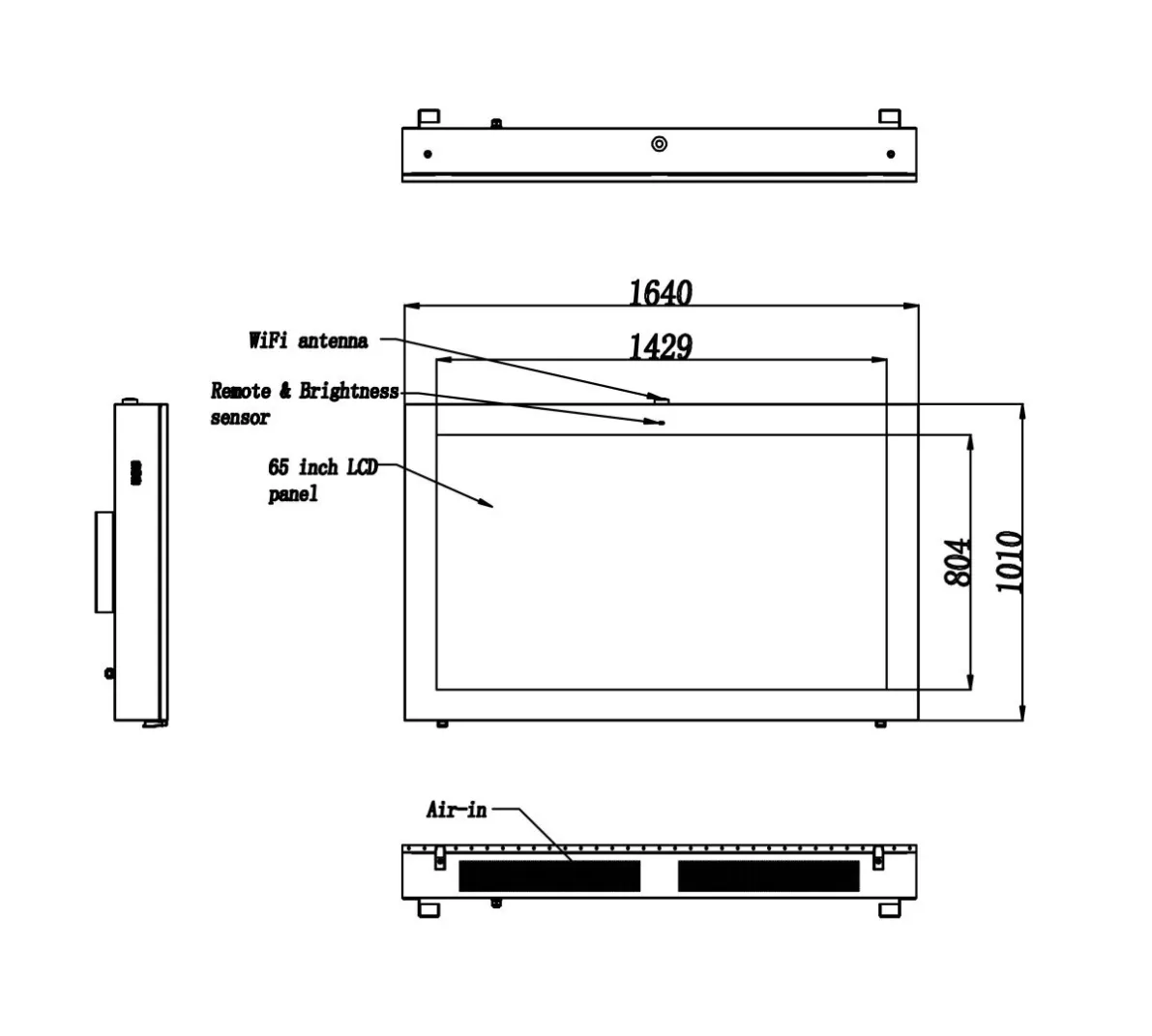
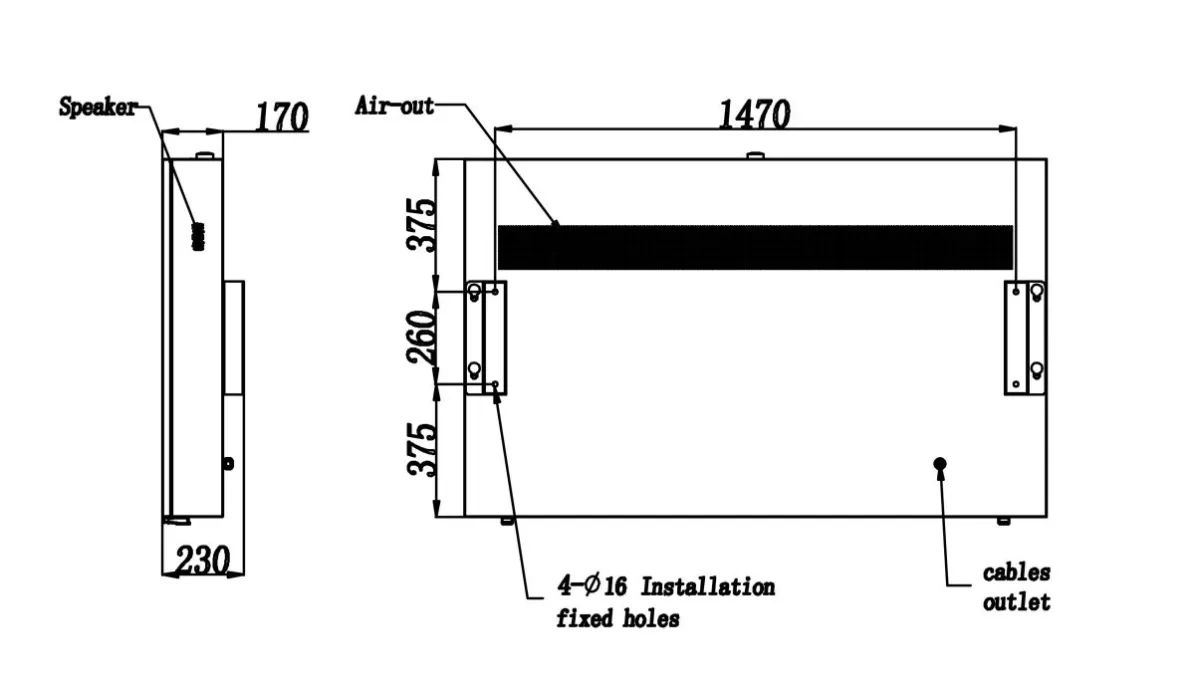
Mechanical Para | Machine seize H*W*D(mm) | 1640*1010*170 |
Net weight(Kg) | 110 | |
Package size H*W*D(mm) | 1280*1790*320 | |
Gross weight(Kg) | 145 | |
When Wall Mounting Is the Better Layout
A 65-inch display provides enough visual area for maps, public notices and split-screen information. Wall mounting keeps the pedestrian route clear and can integrate the screen with a civic building, transport structure or public-service facility.
The proposed wall must be checked before the enclosure is ordered. Decorative panels may hide the structural surface, and an installation drawing should identify the mounting points, cable entry and service access.
The bottom edge should not sit so low that waiting pedestrians block the screen. At the same time, a touch-enabled version must remain within a practical interaction height. These two requirements may lead to different configurations for information-only and interactive projects.
Touch Configuration Should Follow the Public Task
Touch is useful when the visitor needs to search a directory, inspect a map, change language or locate a service. It adds little value to a screen that only plays announcements.
G+G capacitive touch can support a familiar public interface. Metal-mesh touch offers another integration option. The software should use large controls, limited menu depth and an automatic return to the home page after inactivity.
A public application also needs a restricted operating environment. Visitors should not be able to leave the approved interface or access system settings.
Android and Windows Control
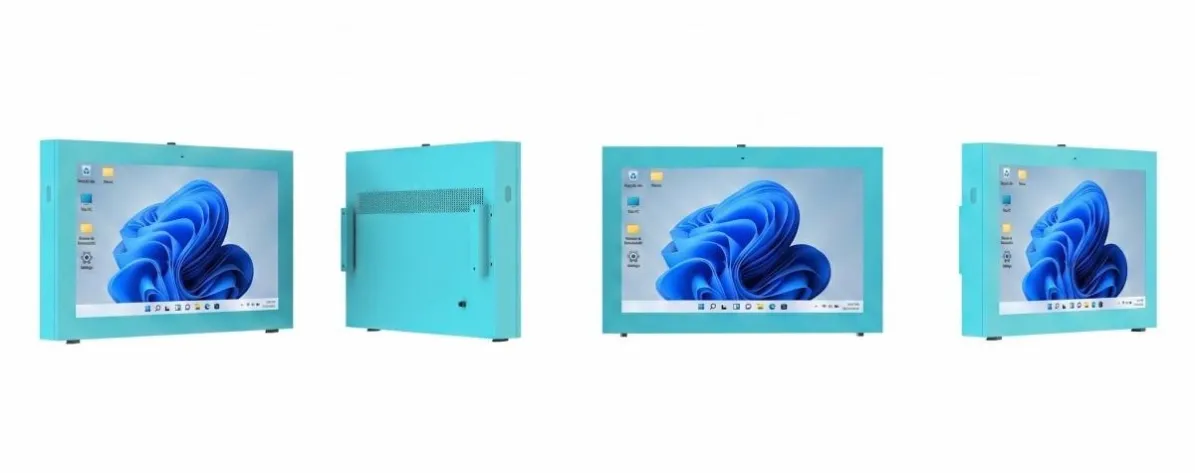
Android can support scheduled content, web-based information and focused touchscreen applications. Windows may suit organizations using existing desktop software or specialized peripherals.
The operating system affects security updates, application support and remote maintenance. Procurement teams should involve the future software owner before production rather than treating Android or Windows as an isolated hardware option.
Important notices should be stored locally. If network service is interrupted, the screen should continue showing approved content rather than a connection error.
The design drawing of rear display
Sensors in Daily Operation
The light sensor can help adjust brightness as outdoor conditions change. The display may use higher output during bright daytime periods and a lower setting after dark. This reduces unnecessary nighttime glare when viewers stand close to the screen.
The temperature sensor gives the control system information about conditions inside the enclosure. Project specifications should state whether the system only reports temperature or also triggers alarms and operating changes.
Fan cooling needs open intake and exhaust paths. A custom wall recess must not trap hot air around the display.
Information That Strengthens the Product Page
The 65 Inch Wall Mounted Weatherproof Digital Signage should be presented online with actual installation dimensions, available touch structure, operating-system configuration and service-access drawings. Real photos showing the front panel, rear enclosure and mounting points will add more value than another general outdoor-signage description.
For the physical project, provide wall construction, viewing distance, touch requirement, network method and local climate. The 65 Inch Wall Mounted Weatherproof Digital Signage is best suited to public locations that need a large visible information surface but cannot sacrifice floor space to a freestanding kiosk.
If you would like to get the specification about above product, or you hope to discuss your requirements or need any additional information on our this product , then please do not hesitate to send us a inquiry and contact our sales team now.